Start setup
Every quote. Pick your field, set your prices (and any optional rules that fit your trade), then share your web form link. Every quote waits for your Approve.
Pick your field
We generate a quote workflow template matched to your profession.
Business basics
Used on your customer link and quote templates.
Price rules
Seed a template for your field, then tune the knobs you actually use.
Asked in the customer's own language. Edit, delete or add your own.
Messages to your customers
Get paid
After you approve a quote, one tap builds a payment message with these details. You send it, and clients pay you directly.
Saved to your account. Optional - you can skip and add payment details later.
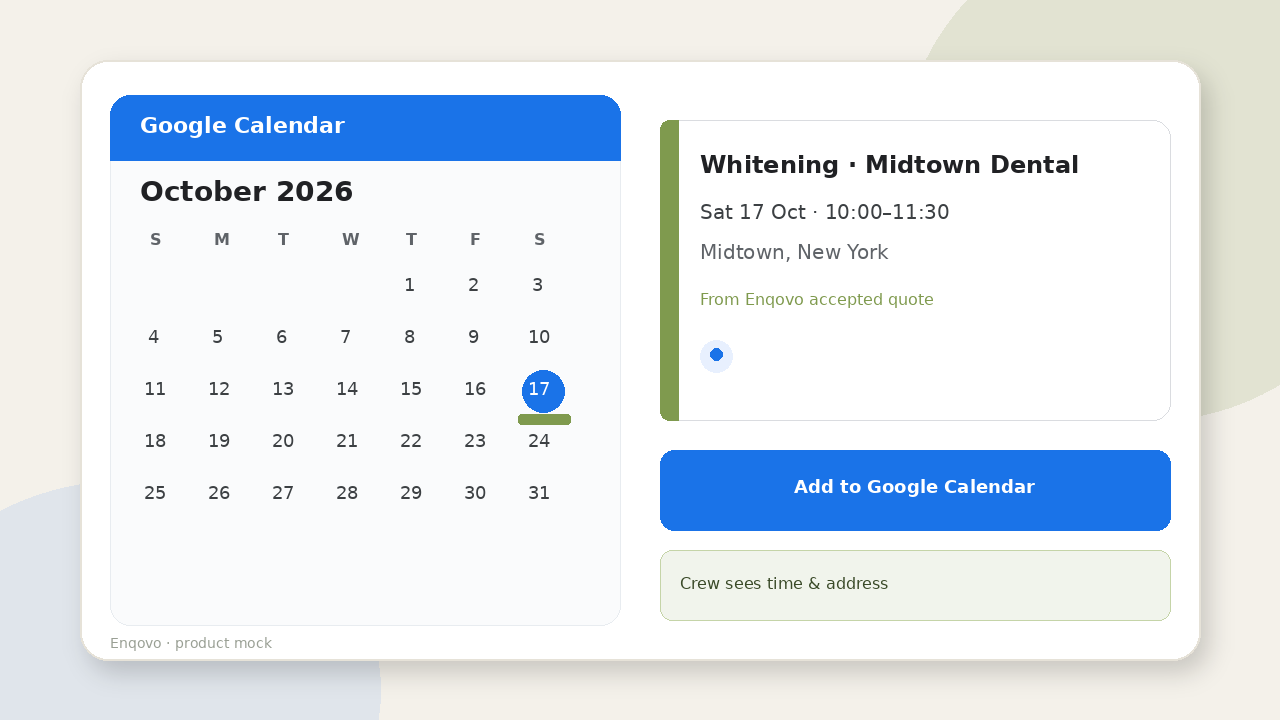
Add to Google Calendar
When you accept a job, Enqovo can put it on your Google Calendar so the crew sees the time and address.
Saved to your account. Optional - skip and add later. Connecting Google Calendar is Coming.
WhatsApp (optional)
Most customers reach you through your web form or email. If you also take requests on WhatsApp, add the number here. You can skip this.
Connect checklist
- 1Confirm WhatsApp Business is active on this number
- 2We connect your number through our WhatsApp partner (YCloud) — no Meta setup for you
- 3Until it's connected, collect inquiries with your form link
- 4Share your customer link or QR with leads
You are set
Form link, price rules, and pay rails saved. WhatsApp connection is coming — we'll walk you through it when it's ready. No price reaches a customer until you approve it.